Two weapon profiles
Keep separate weapon and attachment selections for Primary and Secondary.
Weapon, attachment & stance controls
PUB · Cronus Zen
Weapon and attachment recoil profiles, stance tracking, and controls that fit your layout. Build a setup around the two weapons you carry.

EXPLORE EMPATHY
Choose a feature to see how it fits into your setup.
Configure these features to match your game and controller. Full setup and activation instructions are included in your customer guide after access is activated.
LOADOUT
Choose your Primary and Secondary, then match their scope, foregrip, muzzle and stock. Change attachments as you loot; the script does not read your inventory.
AWARENESS
Uses your configured inputs to track crouch, prone, inventory, map and other states. Recoil behavior follows that tracked state. Color feedback and resync controls help correct a mismatch.
CONTROL
Shape right-stick response with smoothing, aim multiplier, acceleration, velocity boost and a vertical multiplier. Tune one value at a time for a predictable feel.
CUSTOMIZE
Set Auto Focus, Auto Lean, Auto Ping, Crouch on ADS, Crouch & Fire / Rapid and Fast Lean independently for Primary and Secondary.
SHORTCUTS
Select the Hybrid scope and switch between its 1x and 4x states with the configured sight-change action while aiming. Optional keyboard binds cover weapons, attachments and resync.
Make it yours
A closer look at the controls included in Empathy.
Keep separate weapon and attachment selections for Primary and Secondary.
Match each supported attachment to the gun you are using, including Hybrid 1x / 4x.
Tracks input-driven gameplay states and adjusts recoil behavior; manual resync is available.
Adjust smoothing, aim multiplier, acceleration, velocity boost and vertical response.
Calibrate stick offsets, test the result and manage script-side deadzones.
Adds the configured focus input in supported aiming states, independently per profile.
Choose aim-stick or strafe-stick activation, with inverted alternatives.
Send the configured Enemy Spotted input when aiming and firing; requires the matching Custom layout bind.
Crouch during aiming with separate preferences for your two profiles.
Use the camera-action shortcut for crouch firing or supported single-fire behavior.
Toggle alternating lean while aiming and firing, with a separate switch for each profile.
Optionally rotate while the tracked inventory is open, using a stick-click activator.
Assign a modifier and feature buttons; Auto Glide holds a chosen movement direction.
Match Type B, Type C or a Custom layout and add keyboard shortcuts.
Customize profile/state colors, stance alerts and weapon display behavior.
Stop physical controller vibration while keeping the feedback available to the script.
Choose how Primary and Secondary follow your weapon-swap inputs, with manual resync available.
Pause the relevant weapon behavior for driving or time between matches.
Check before you start
Start with a supported connection, then match the settings in your customer guide.
| You need | What to check |
|---|---|
| Cronus Zen | A working Zen setup for your platform and input device. |
| Platform | Supported platforms: PlayStation 5 and Xbox Series X|S. Follow the customer setup instructions for your connection method. Controller or mouse and keyboard inputs connect through the Zen. |
| Controller or mouse & keyboard | Follow the input-specific setup instructions. Fine tuning depends on your configuration. |
| Discord account | Link Discord to use the script and access customer support and documentation. |
From access to first test
Match your button layout, sensitivity, weapons, attachments and tracked stance before adding optional mods.
Select an available trial, monthly subscription or one-time option.
Sign in or link Discord after paid checkout so your access can be recognized.
Find the script in Zen Studio Live, program it to a slot and complete activation if prompted.
Match your button layout, sensitivity, weapons, attachments and tracked stance before adding optional mods.
Before you choose
Clear expectations make setup easier.
No. Select each weapon and match its attachments. Stance Tracker follows input-driven states; it is not inventory or screen recognition.
Yes. Match Basic, Aim, Vehicle and LB Combination actions in the script. Type B and Type C are also supported; Type A is not listed.
Use the dedicated resync controls and watch the state color. The customer guide explains profile, crouch, prone and general resync.
Your setup guide is included after your access is activated. Product pages explain the features; customer instructions are available in your account.
The current options are shown in the purchase card above. Monthly access renews until canceled; the one-time option has no renewal. Trial eligibility requires Discord sign-in.
Empathy combines the controls described above with setup documentation and Discord support while you have access. Choose settings that match your controller and the game.
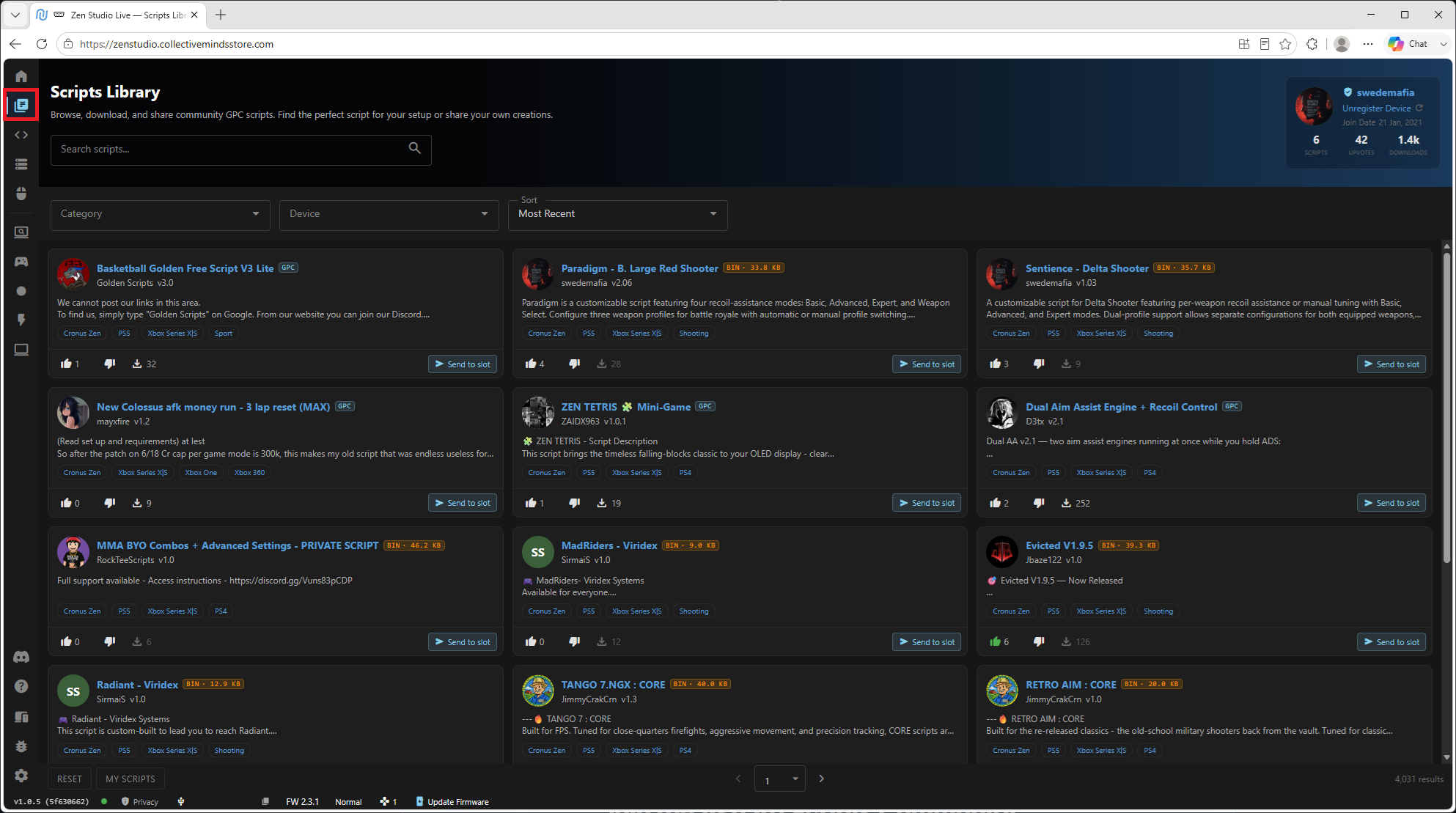
Load your script through Zen Studio Live, follow the step-by-step guide in your account after activation, and ask in Discord if you get stuck — the people who wrote the script answer the questions. No coding, no flashing, no guesswork.
Check your platform, explore the features, then choose your access.
Hi! How can we help?
This conversation has ended.
End this chat?
Leave an email address and we'll send our reply there — even after you go.