
Apex Legends Cronus Zen Script — Prism
Prism is an Apex Legends Cronus Zen script with per-weapon recoil profiles, weapon detection on PS5 and PC, adjustable aim tuning, and movement features.
Auto-renews, cancel anytime.
Login with Discord to subscribe- Prism configuration script for Apex Legends, delivered through Zen Studio Live
- Instant access after purchase
- Script updates as needed (while subscribed or via one-time purchase)
- Access to the community and online setup documentation
- Discord-based support and private channels
- Settings shared in our Discord by our community
- No coding required — 5–10 minute setup with our guide
- Paid options — one-time and monthly — can check out as a guest; link your Discord after purchase. The free 1-week trial needs a free Discord sign-in first.
- Secure checkout via Stripe or PayPal
1.23 — updated August 21, 2026 for Season 30. Every release is listed in the Prism change log.
Prism is an Apex Legends Cronus Zen script built around per-weapon and per-optic control. It includes recoil-assistance profiles for every supported weapon, a recoil editor with weapon- and scope-specific adjustments, and separate aim settings for ADS and firing. On PS5 and PC, automatic weapon detection can update the active profile as your loadout changes; on other supported platforms, configurable hotkeys make manual switching fast.
Prism supports Classic and Linear response curves, per-optic sensitivity settings, attachment carryover, script-managed deadzones, custom button layouts, inverted Y-axis, and flipped bumpers and triggers. Optional movement features include Bunny Hop, Crouch Shot, Crouch Spam, and Super Jump. Game-state tracking pauses configured actions in menus, inventory screens, and other non-combat states.
After purchase, link your Discord account, register your Cronus Zen serial, and follow the step-by-step setup guide to access and program Prism. Setup normally takes 5–10 minutes and requires no coding. Start with a free 7-day trial, then choose a $7 monthly subscription or a $50 one-time license. Updates and Discord setup support are included with an active subscription or one-time license.
Prism is an unofficial, third-party configuration tool. Apex Legends and all game names are trademarks of their respective owners; Asgard Scripts is not affiliated with, endorsed by, or approved by any game publisher, console maker, or the maker of Cronus Zen. Many online games prohibit input-modification tools — you are responsible for following the rules of any game or platform you play.
Features
-
Recoil Assistance
Per-weapon recoil assistance with automatic weapon detection on PS5 and PC.
-
Recoil Editor
Customize your recoil assist with per-weapon and per-scope adjustments.
-
Automatic Weapon Detection
Detects the currently equipped weapon on supported platforms (PC and PS5).
-
ALC Per Optic Sensitivities
Customize your ALC bleed-through settings per optic.
-
Aim Assistance
Adjustable settings, including boost and strafe assist, designed to work alongside the game's built-in aim assist.
-
Movement Features
Bunny Hop, Crouch Shot, Crouch Spam, and Super Jump, configurable per profile.
-
Adjustable Input Latency
Configure the device polling rate and VM speed to suit your setup.
-
Attachment Carryover
Automatically retains compatible attachments when switching between weapons.
-
Combat Features
Auto Ping, hip-fire sensitivity adjustments, and Unholster on ADS.
-
Customizable Button Layout
Support for custom button layouts.
-
Flipped Bumpers & Triggers
Support for swapping L1/R1 with L2/R2.
-
Game State Tracking
Automatically pauses script actions during menus, inventory screens, and other non-combat states.
-
Hotkeys
Quickly set your weapons (PS4/Xbox) and attachments with custom button combos.
-
Inverted Y-Axis
Support for inverted-look players.
-
Lobby Mode
Disable the script when you are not in a match.
-
Script-Based Deadzone
Look deadzone managed in the script.
Setting up Prism for Apex Legends
Prism is configured in Zen Studio, not in Apex Legends. The full walkthrough is in your account after purchase or trial activation — here is exactly what the setup involves, so you know before you buy:
- Load Prism onto your Zen. Follow Download Your Script — ZenStudio Live Guide to get the script onto your device.
- Disable ALC in your Apex Legends settings. Prism reads your base Look and ADS sensitivities, so ALC must be off before you enter them.
- Enter your button and stick layout. Custom layouts, flipped bumpers and triggers, and inverted Y-axis are all supported — enter what you actually use so hotkeys map correctly.
- Set your ADS and Look sensitivities and, if you use them, your per-optic ALC bleed-through values.
- Choose which combat and movement features to enable. Everything is opt-in and configurable per profile.
- Setup normally takes 5–10 minutes and requires no coding. First time with a Cronus Zen? Start with the Cronus Zen setup guide.
Requirements: platform & input compatibility
- A Cronus Zen device
- A Discord account (used to deliver the script and for support)
- Apex Legends on PS5, PS4, Xbox Series X|S, Xbox One, or PC
Prism runs on every platform the Cronus Zen supports. What changes between them is how the active weapon profile is selected — automatic detection is available on PS5 and PC only:
- PS5 — automatic weapon detection; hotkeys optional.
- PC — automatic weapon detection; hotkeys optional.
- PS4 — no automatic detection; weapons and attachments are selected with configurable hotkeys.
- Xbox Series X|S — no automatic detection; configurable hotkeys.
- Xbox One — no automatic detection; configurable hotkeys.
Input: any Zen-supported controller, or a mouse-and-keyboard setup. Recoil assistance, the recoil editor, per-optic sensitivities, and all combat and movement features work on every platform above.
- Setting up a PS5? See the PlayStation 5 setup guide. Anything not behaving? Start at Cronus Zen troubleshooting.
Highlights
- Built-in recoil profiles for every supported weapon
- Automatic weapon detection & resync (on supported platforms)
- Attachment & scope selection
- Per-optic sensitivity support
- Designed for Classic and Linear
- Supports all trigger deadzones
- Works with any device-supported controller or mouse & keyboard
Frequently asked questions
What is Prism?
Which platforms and inputs does Prism support?
Does automatic weapon detection work on every platform?
Does Prism support Classic and Linear response curves?
Does Prism support custom button layouts?
Does Prism guarantee zero recoil?
How do I receive and set up Prism?
How do the trial and paid options work?
Is Prism updated after Apex Legends patches?
Is Prism allowed in Apex Legends?
Do I need a Discord account to buy Prism?
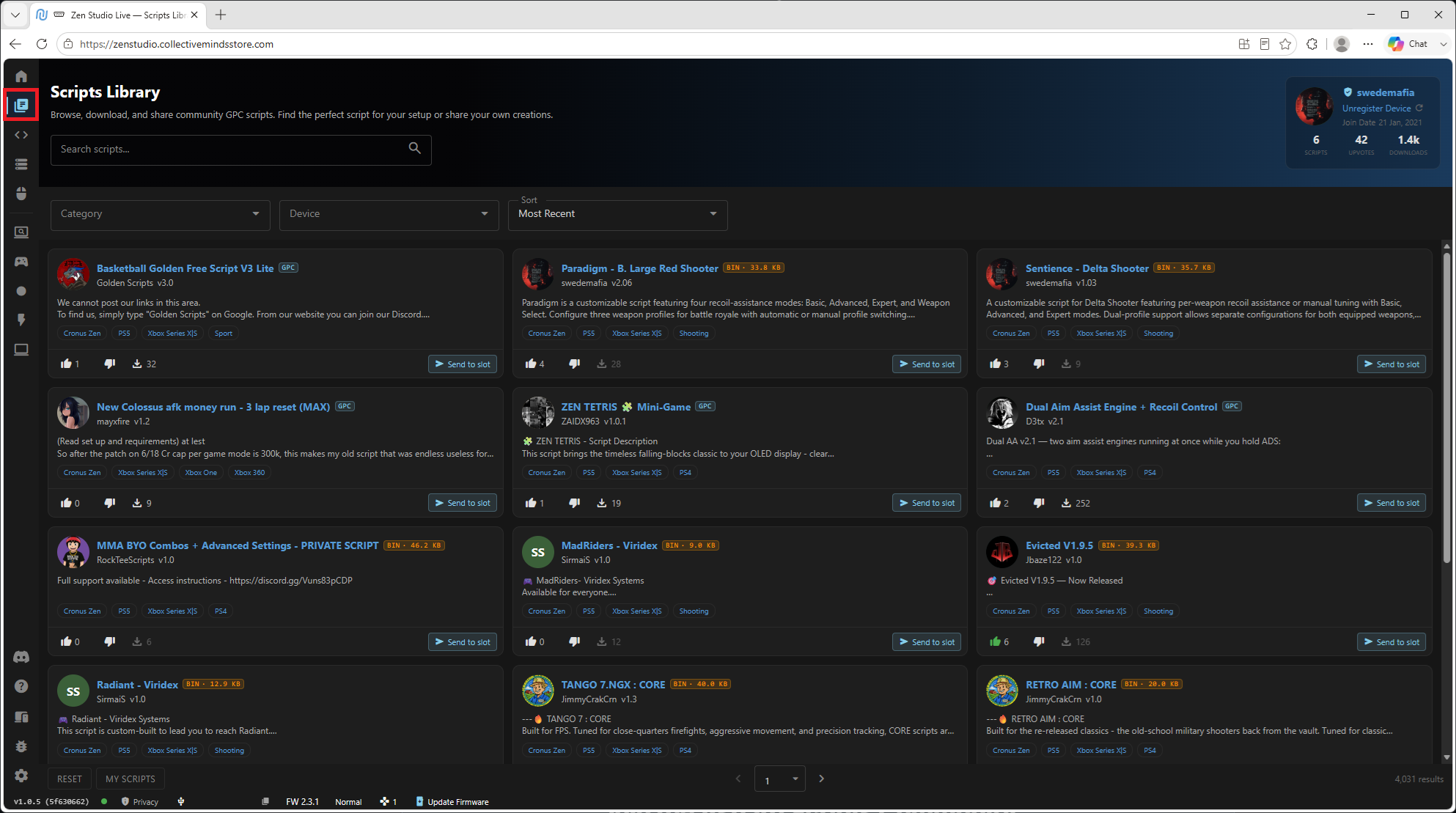
Every script comes with a full setup guide
Load your script through Zen Studio, follow the step-by-step guide in your account, and ask in Discord if you get stuck — the people who wrote the script answer the questions. No coding, no flashing, no guesswork.
More from the store

All-Access Cronus Zen Script Subscription — Asgard Gold
Asgard Gold is an all-access Cronus Zen script membership for Asgard's game-specific products, documentation, updates, and Discord-based support.

ARC Raiders Cronus Zen Script — Valkyrie
Valkyrie is an ARC Raiders Cronus Zen script for PS5, Xbox Series X|S, and PC with per-weapon recoil assistance, dual weapon profiles, and movement options.

Battlefield 6 Cronus Zen Script — Paradigm
Battlefield 6 Cronus Zen script with four recoil-assistance modes, ADS and hip-fire aim tuning, and separate battle royale and multiplayer profiles.